PlaiWrite

PlaiWrite Creator Guide v1.1

Chapter 9: Adding Music and Sound Effects

Create mood, action, atmosphere, and immersion

← Back to User Manual Home

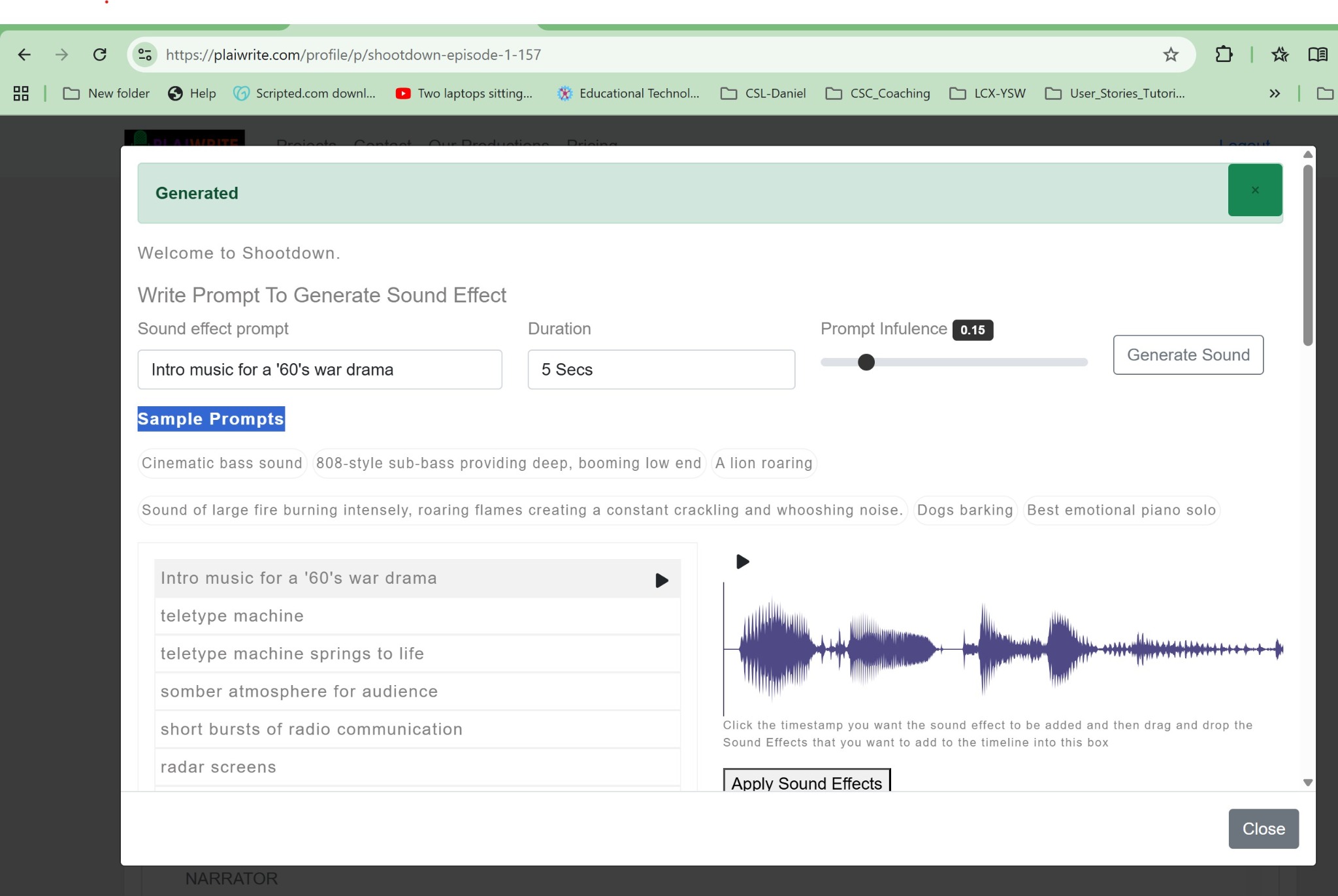
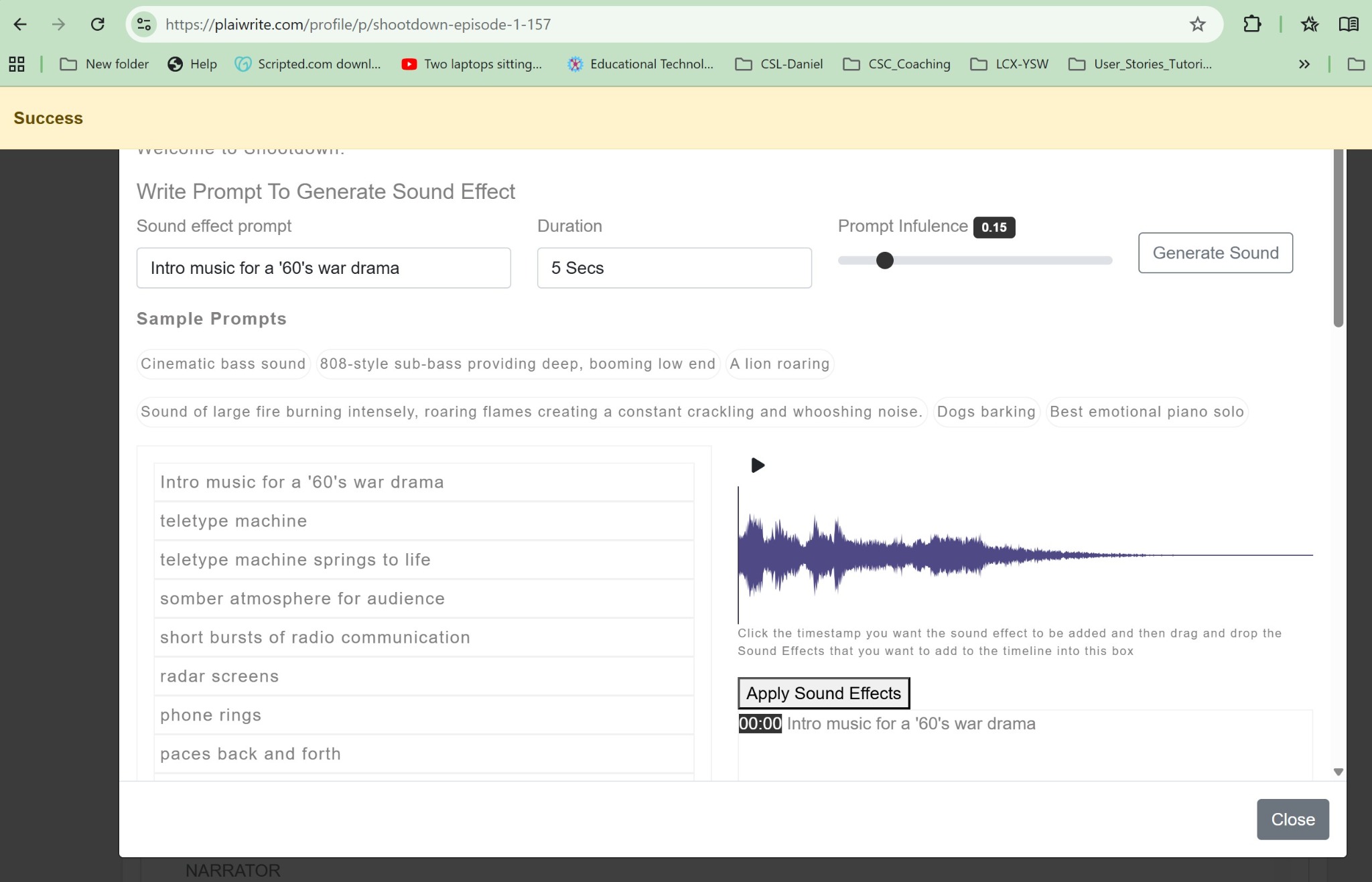
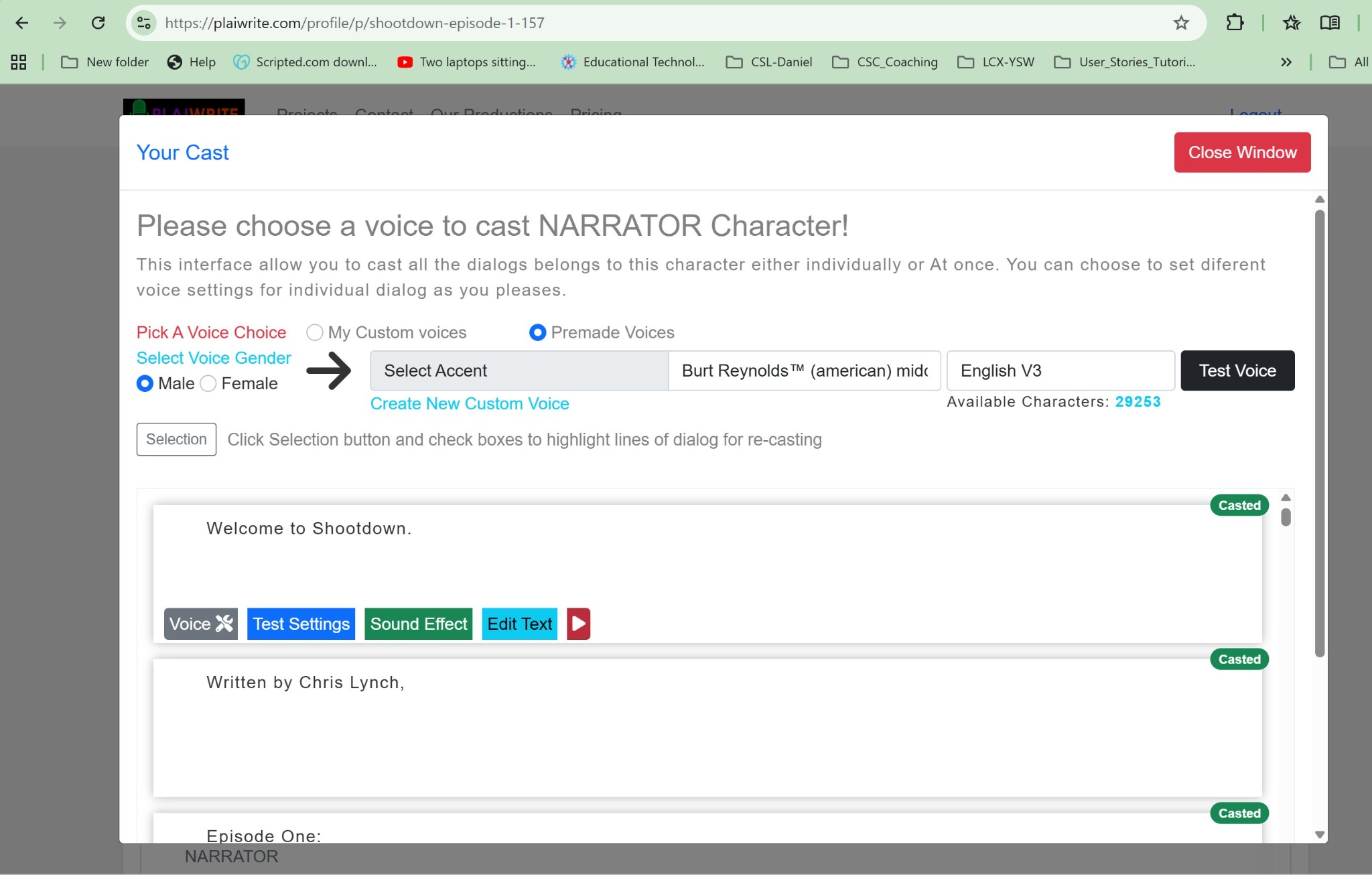
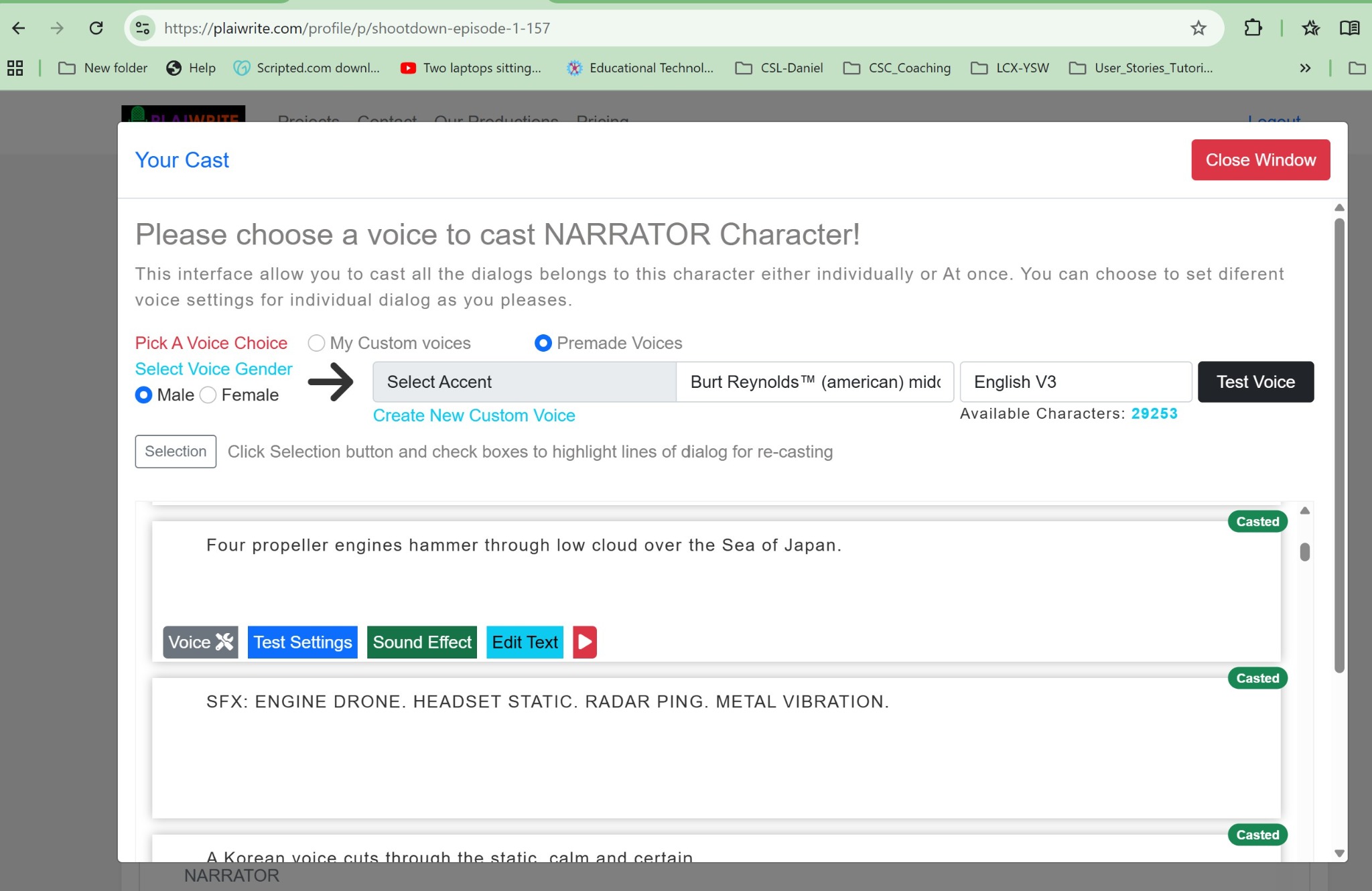
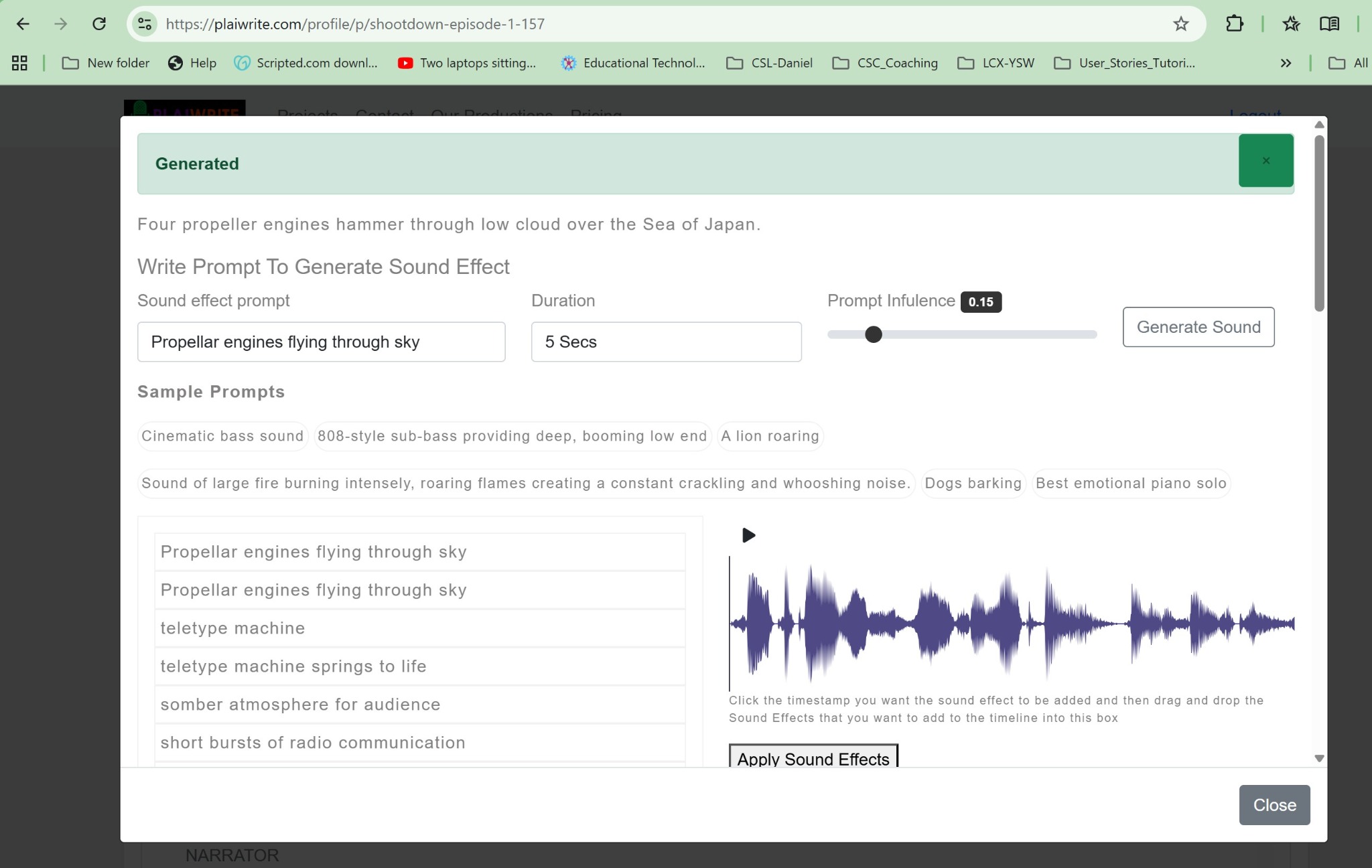
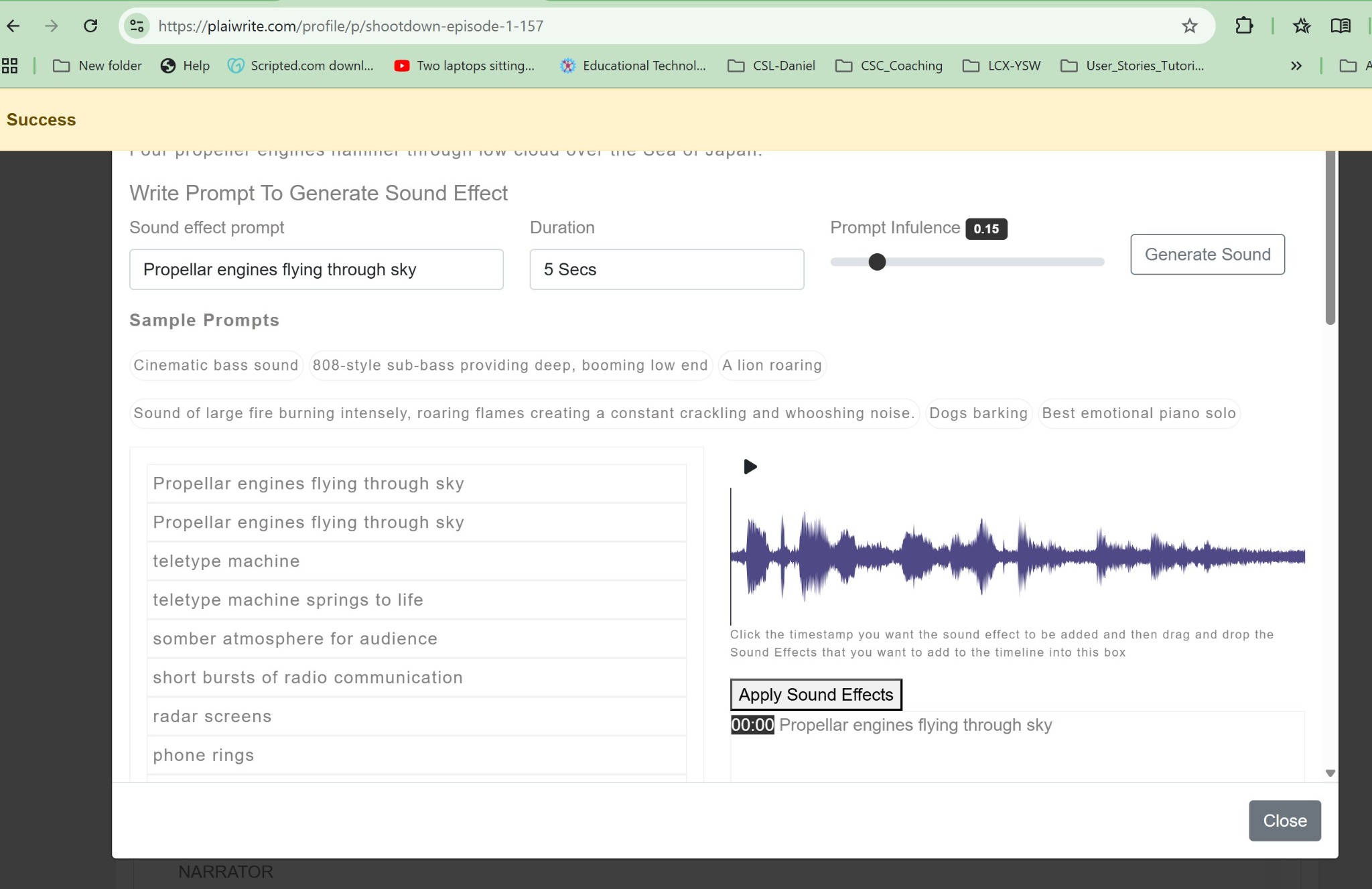
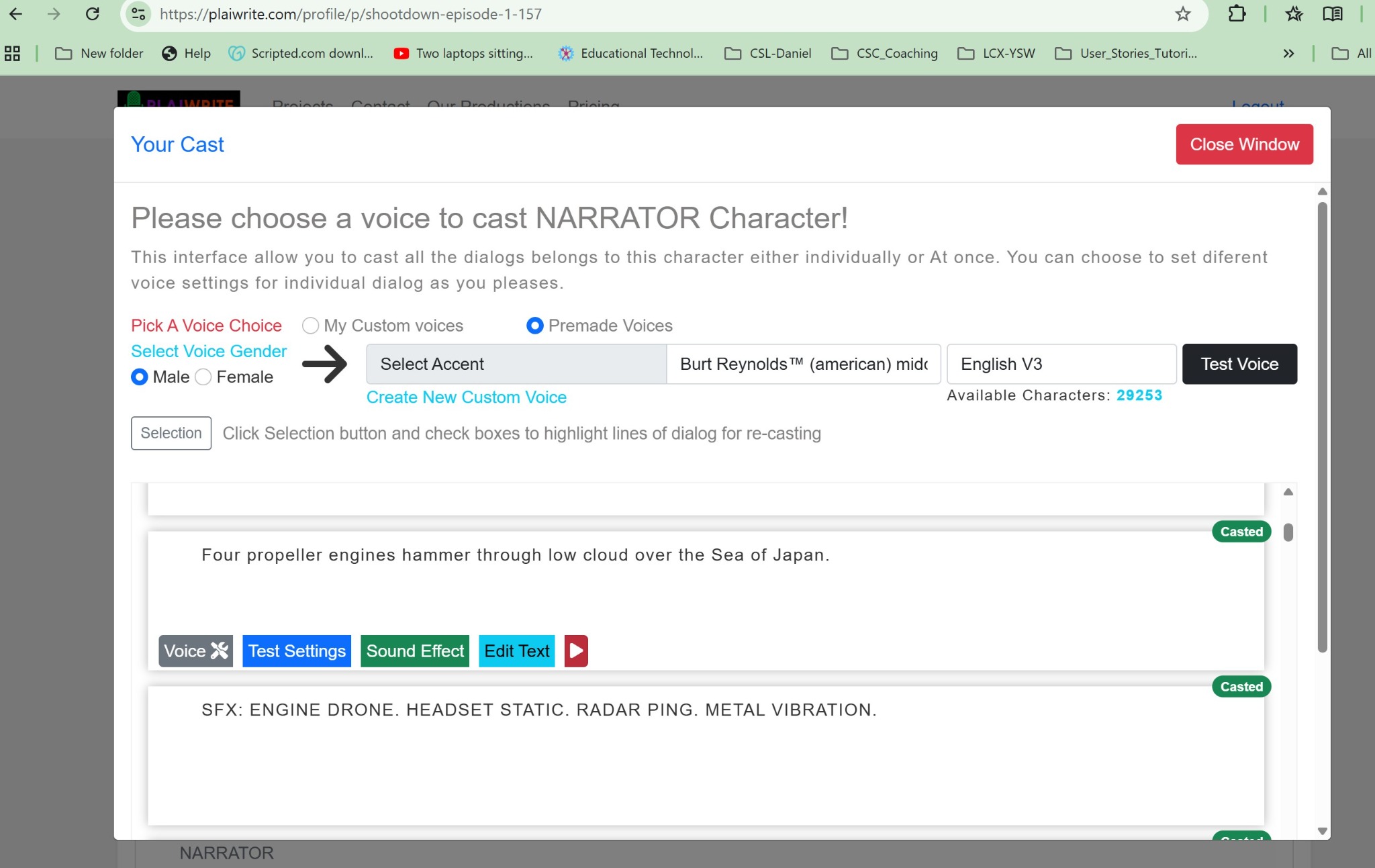
Add background music and SFX by selecting a narration or action block, clicking Sound Effect, writing a prompt, generating audio, previewing, and applying it.

Tip: Less is more. Do not overpower dialogue.
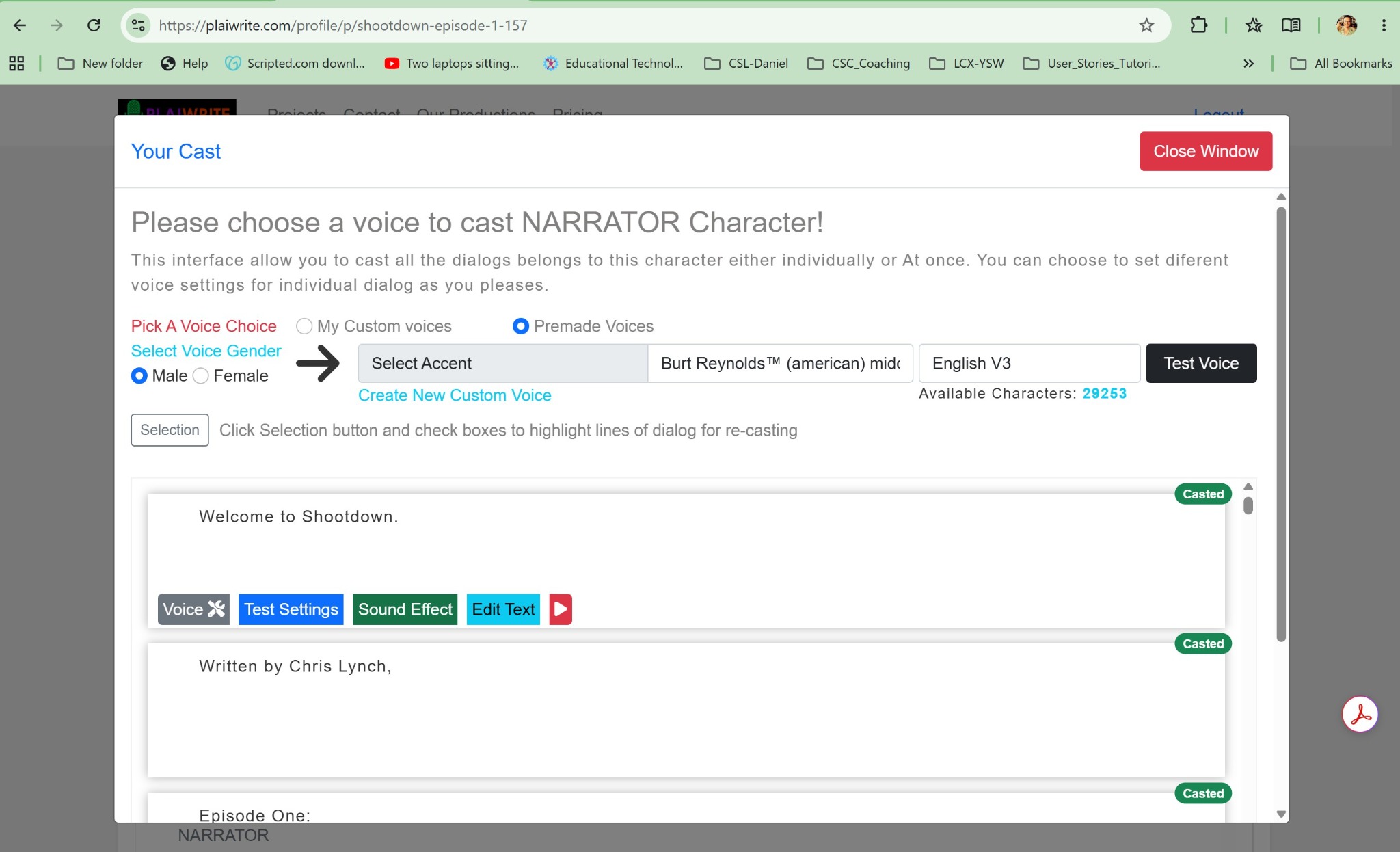
Music and SFX workflow screenshot.